
Import Parts
In this project, as mentioned in the Design section, we only consider the characteristics of the manipulator in x-y plane. And thanks to the structural property, we only analyze a slice of the frame (as shown below) instead of the whole structure, which can make the simulation much less computationally expensive.
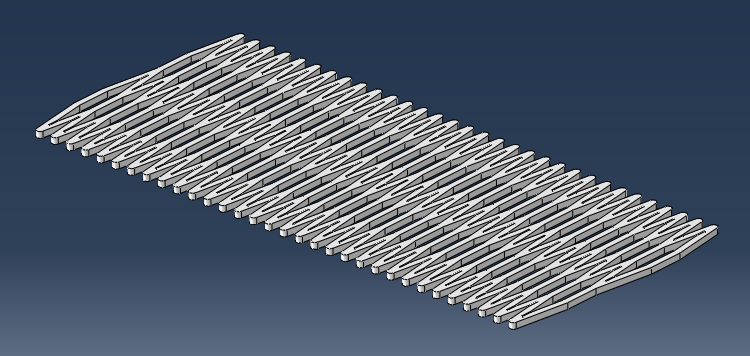
The .stp files of the simplified geometry used in this tutorial can be downloaded here.
Import frame
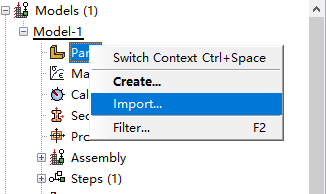
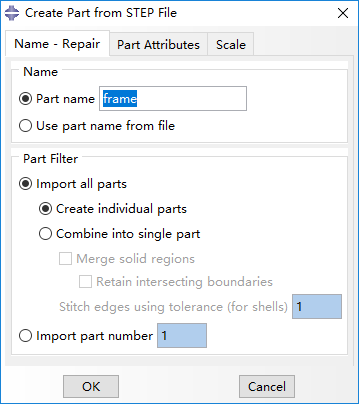
To import the fram go to the model tree in the left sidebar, right-click on Parts and select Import. Browse to the frame.stp file. The frame here has a little difference from the CAD tutorial model: the chambers' number is 64 instead of 16, and the extruded height is 2 mm instead of 60 mm.
Create airbag
Create a new part named 'air bag' and select Shell and Extrusion.
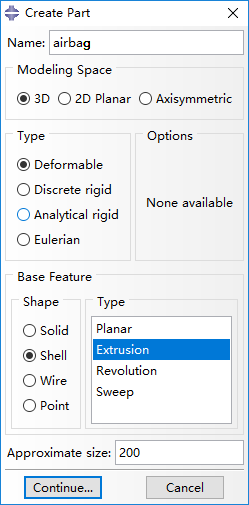
The slice of a airbag should be with an ellipse shape, but we design the airbag as illustrated below for convenience of adding interactions (mentioned later).
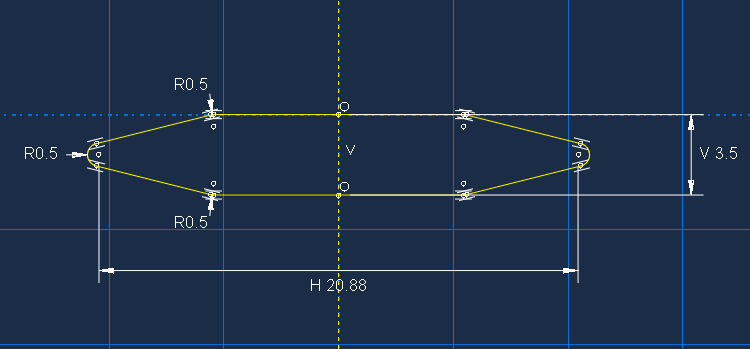
Set the Depth of this extrusion as 20 and the part of airbag is shown below.
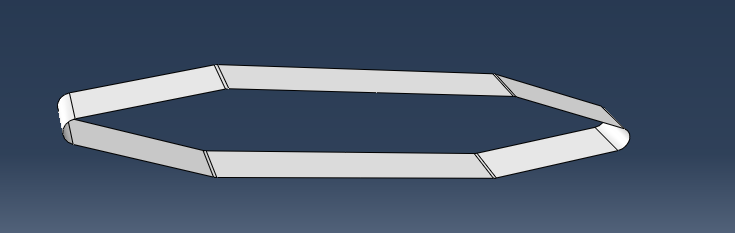
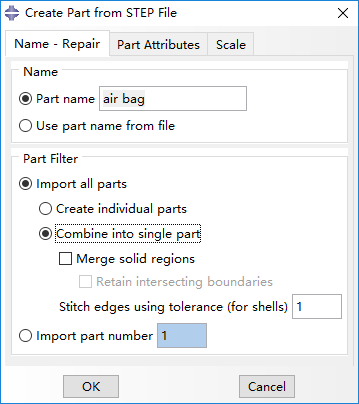
You can also directly import the part from .stp file and select Combine into single part.
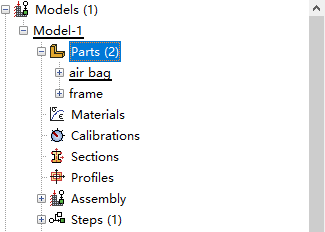
Finally, two parts should now appear in the model tree.
Bibliography
Jiang et al. (2016) Design and Simulation Analysis of a Soft Elastomer Manipulator based on Honeycomb Pneumatic Networks.
Sun et al. (2016) FLEXIBLE HONEYCOMB PNEUNETS ROBOTS.
Jiang et al. (2017) A Two-Level Approach for Solving the Inverse Kinematics of an Extensible Soft Arm Considering Viscoelastic Behavior.
Jiang et al. (2016) Design and Simulation Analysis of a Soft Manipulator Based on Honeycomb Pneumatic Networks.
Giri et al. (2010) Continuum robots and underactuated grasping
Grissom, et al. (2006) Design and experimental testing of the OctArm soft robot manipulator.
Contributors
Hao Jiang
Zhanchi Wang
Xinghua Liu
Xiaotong Chen
Yusong Jin
Hao Sun
Xiaoping Chen